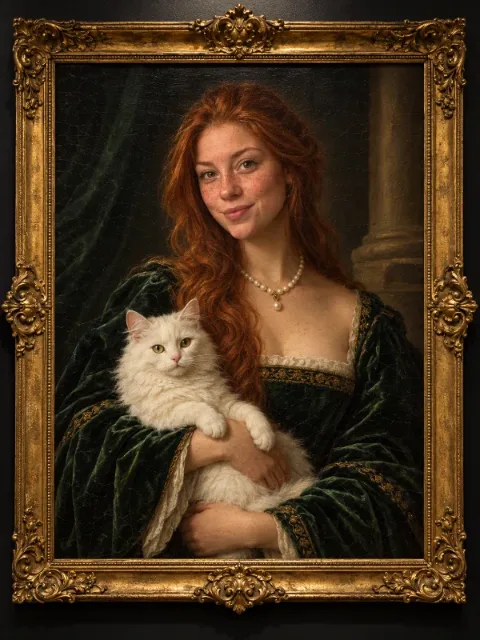
Old master portrait
Turn a person into a Renaissance oil painting in a gilded frame on a dark wall. Optionally add a portrait.
Prompt
Paint the person in my photo as a Renaissance oil portrait: in a dark green velvet gown and pearls, holding a white cat, in an ornate gilded frame on a black wall.
- Type
- Image
- Category
- Art
- Aspect ratio
- 3:4
- Resolution
- 600 × 800
- Reference photos
- Not needed
- Template
- Ofox Agent template
- Source
- Ofox
How to use
- 1
Tap “Make one like this”
Ofox Agent opens with this idea ready to go. Sign in first if you haven’t.
- 2
Make it yours
Edit the highlighted parts of the prompt to swap in your own details.
- 3
Send and create
Send it and Ofox Agent creates your version. Keep chatting to refine it.
FAQ
Do I need to upload a photo?
No. The prompt is filled in for you — send it as is, or change it to what you want first.
Can I edit the prompt?
Yes. The prompt goes into the Ofox Agent input box, and you can change the subject, style, text or anything else before sending.
What size is the image?
This image is 3:4 at 600 × 800. You can pick a different aspect ratio in Ofox Agent.
Can I copy and use the prompt directly?
Yes. Tap “Copy” on the prompt card to get the plain text — it works in other AI image tools too.
More like this
More Art prompts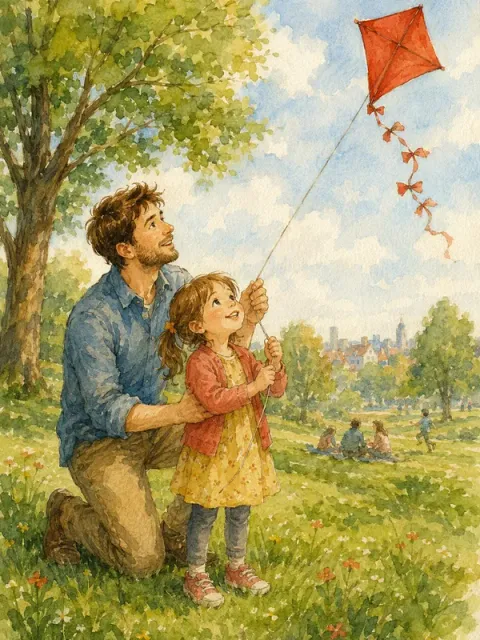 Photo to illustrationImage · Art
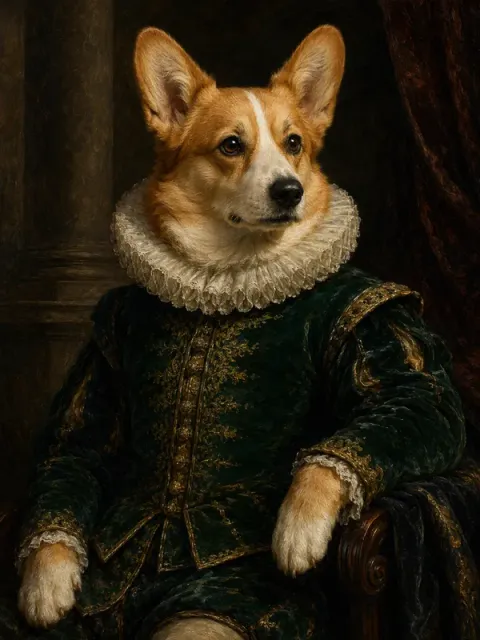 Pet portraitImage · Art
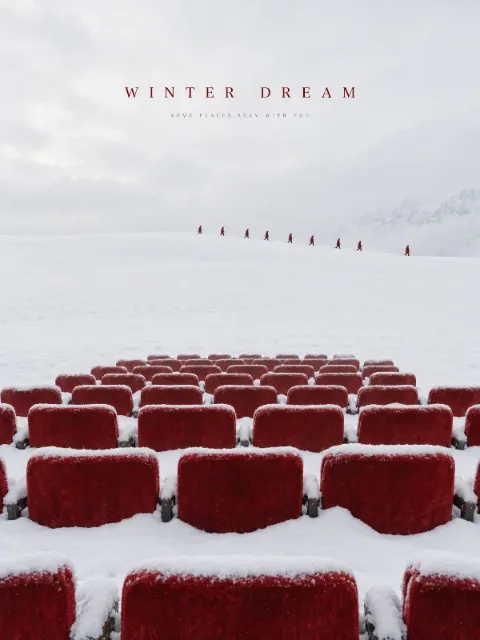 Minimal surreal posterImage · Art
 Surreal collageImage · Art
 Risograph printImage · Art
 Clothesline surrealImage · Art
 Ceramic relief tile wallImage · Art
 Professional headshotImage · Portrait
 Product hero shotImage · E-commerce
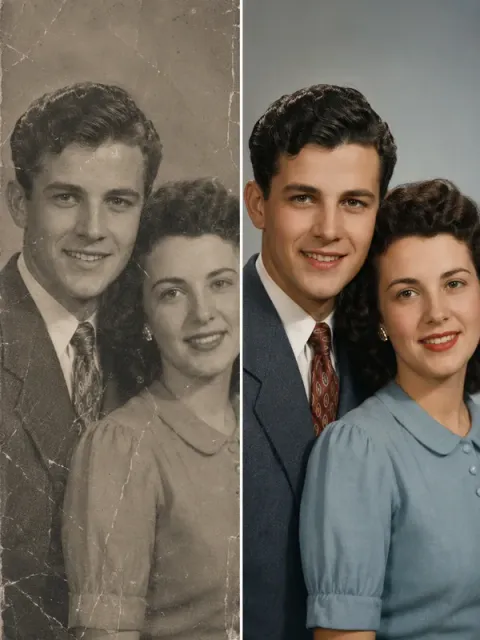 Old photo restorationImage · Restoration
Have an idea of your own? Start creating
Describe the image you want in one sentence, and Ofox Agent creates it from scratch.