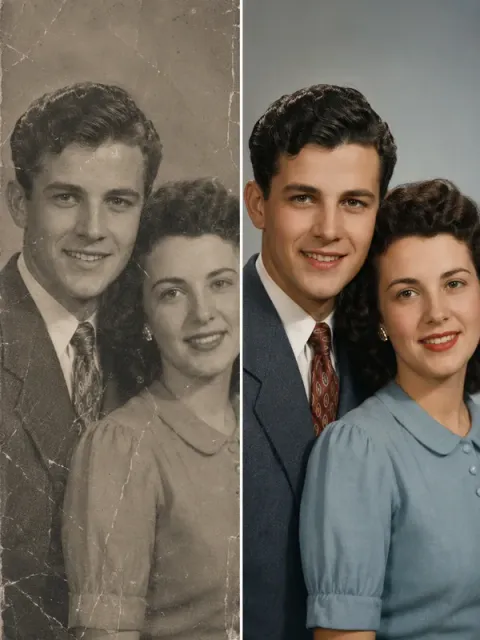
Old photo restoration
Remove scratches and noise from an old photo and colorize it naturally, without changing the people or scene.
Prompt
Restore this old photo: remove scratches, creases and noise, improve sharpness, and colorize it with natural, period-appropriate colors, keeping the people and scene as they are.
- Type
- Image
- Category
- Restoration
- Resolution
- 600 × 800
- Reference photos
- 1 photo
- Template
- Ofox Agent template
- Source
- Ofox
How to use
- 1
Tap “Make one like this”
Ofox Agent opens with this idea ready to go. Sign in first if you haven’t.
- 2
Add your photos
Upload 1 photo of your own — Ofox Agent follows the same idea as this image.
- 3
Send and create
Send it and Ofox Agent creates your version. Keep chatting to refine it.
FAQ
Do I need to upload a photo?
Yes — upload 1 photo of your own. Ofox Agent keeps the idea of this image and puts you in it.
Can I edit the prompt?
Yes. The prompt goes into the Ofox Agent input box, and you can change the subject, style, text or anything else before sending.
What size is the image?
This image is 600 × 800. You can pick the aspect ratio you need in Ofox Agent.
Can I copy and use the prompt directly?
Yes. Tap “Copy” on the prompt card to get the plain text — it works in other AI image tools too.
More like this
More Restoration prompts Sharpen a blurry photoImage · Restoration
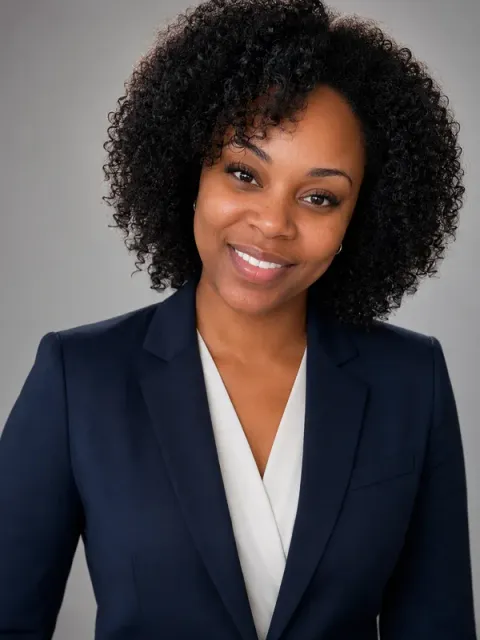 Professional headshotImage · Portrait
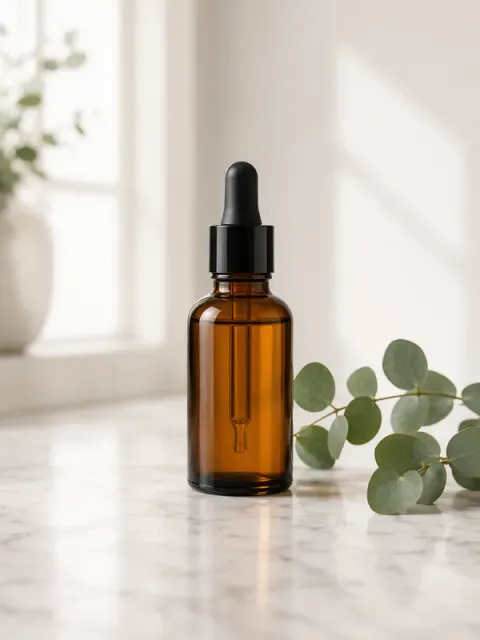 Product hero shotImage · E-commerce
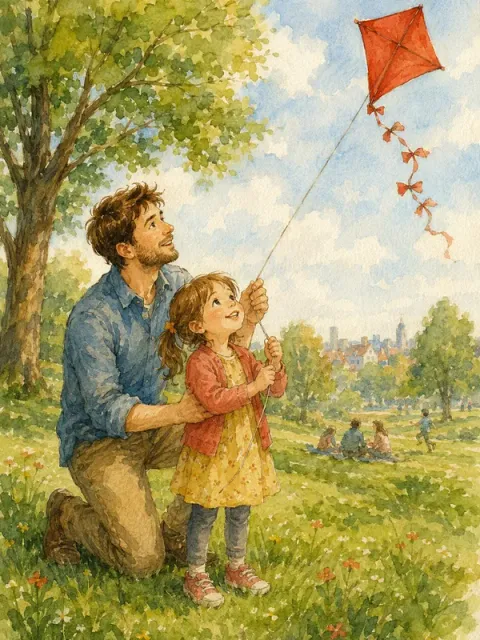 Photo to illustrationImage · Art
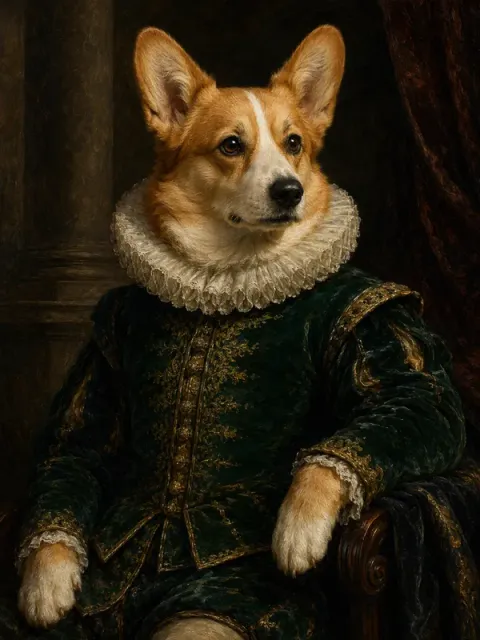 Pet portraitImage · Art
 Two-person photoImage · Portrait
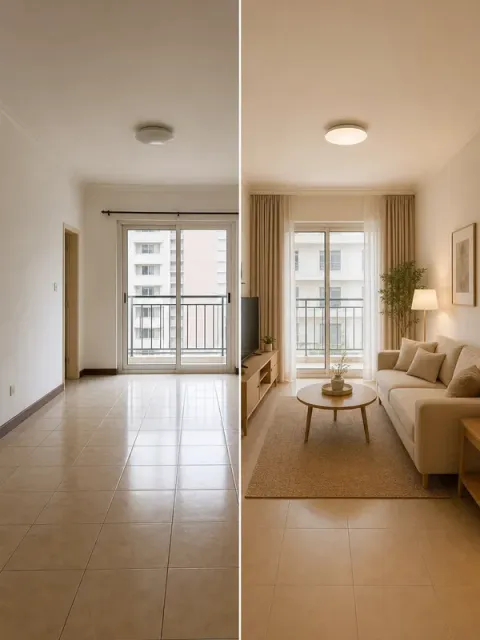 Room makeoverImage · Home
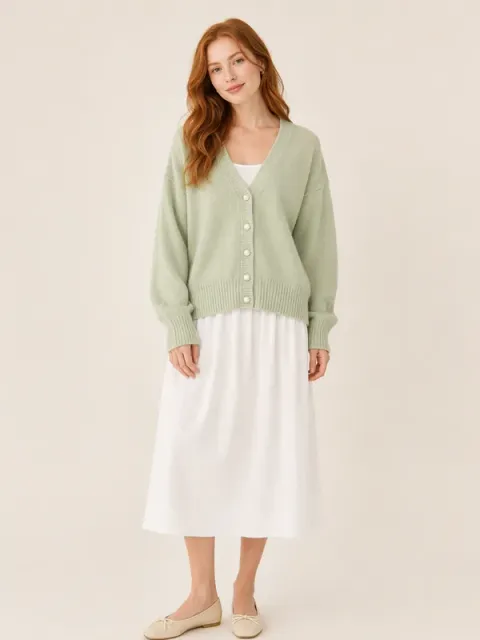 Model showcaseImage · E-commerce
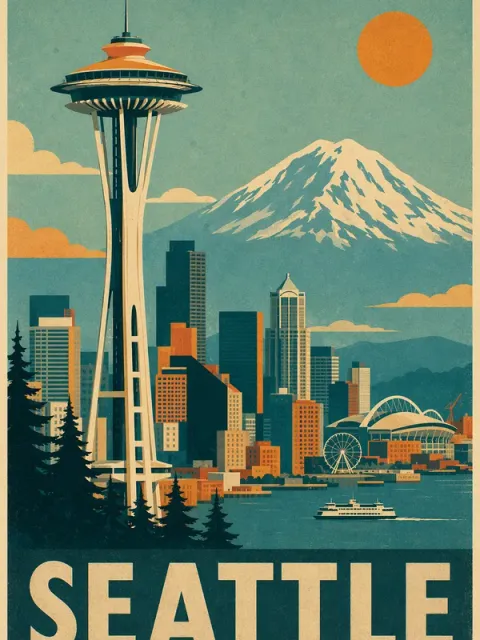 Vintage travel posterImage · Travel
 Moon date, ghost photobombImage · Halloween
Have an idea of your own? Start creating
Describe the image you want in one sentence, and Ofox Agent creates it from scratch.