Configure Skills
Skills are capability extension packs for Claude Code — they equip Claude with specialized domain knowledge, workflows, and toolchains. Install a Skill, and Claude gains a new ability.
Install Skills
Install via /plugin (Recommended)
Type /plugin in Claude Code to enter the plugin management interface. The built-in Marketplace sources from the Anthropic official Skills repository , allowing you to browse, install, and manage directly:
/plugin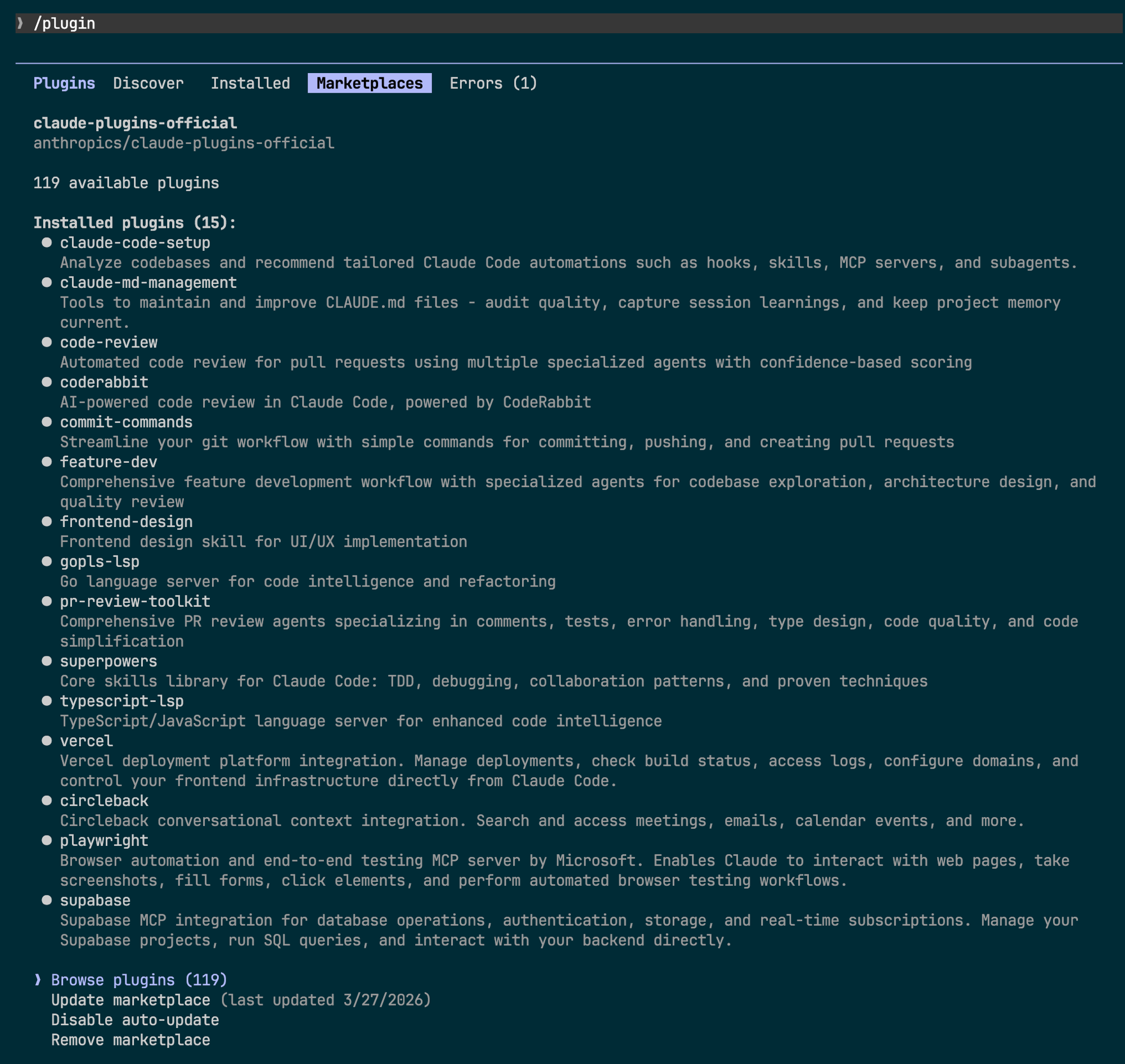
Search for the desired Skill in the Discover tab and install it with one click.
Install via CLI
You can also install a specific Skill directly from the command line:
claude install <skill-name>Ofox Skills
Ofox maintains its own Skills for the Ofox API: video generation on Seedance 2.5 (dialogue-driven short drama, cinematic ad creative, catalog-style product video, anime storyboard), image generation, and a few free utilities that never touch the API. They are open source at ofoxai/skills and listed on Skills.sh and ClawHub .
One command installs all of them, for every agent on your machine (Claude Code, Codex, OpenCode, Cursor and others), at user level:
npx ofox-skillsIt is a thin wrapper over npx skills add ofoxai/skills with the defaults filled in. npx ofox-skills doctor lists which agents can see which Skill.
The video Skills bill per second of generated video. Every Skill that calls the API can quote a job first with --dry-run, which needs neither an account nor an API Key. Real generation reads the OFOX_API_KEY environment variable — the same key you configured for Claude Code.
Skills Marketplace
In addition to the built-in Marketplace, there are excellent third-party Skills platforms:
Skills.sh
An open Agent Skills ecosystem — search and install with a single command:
npx skills find <query>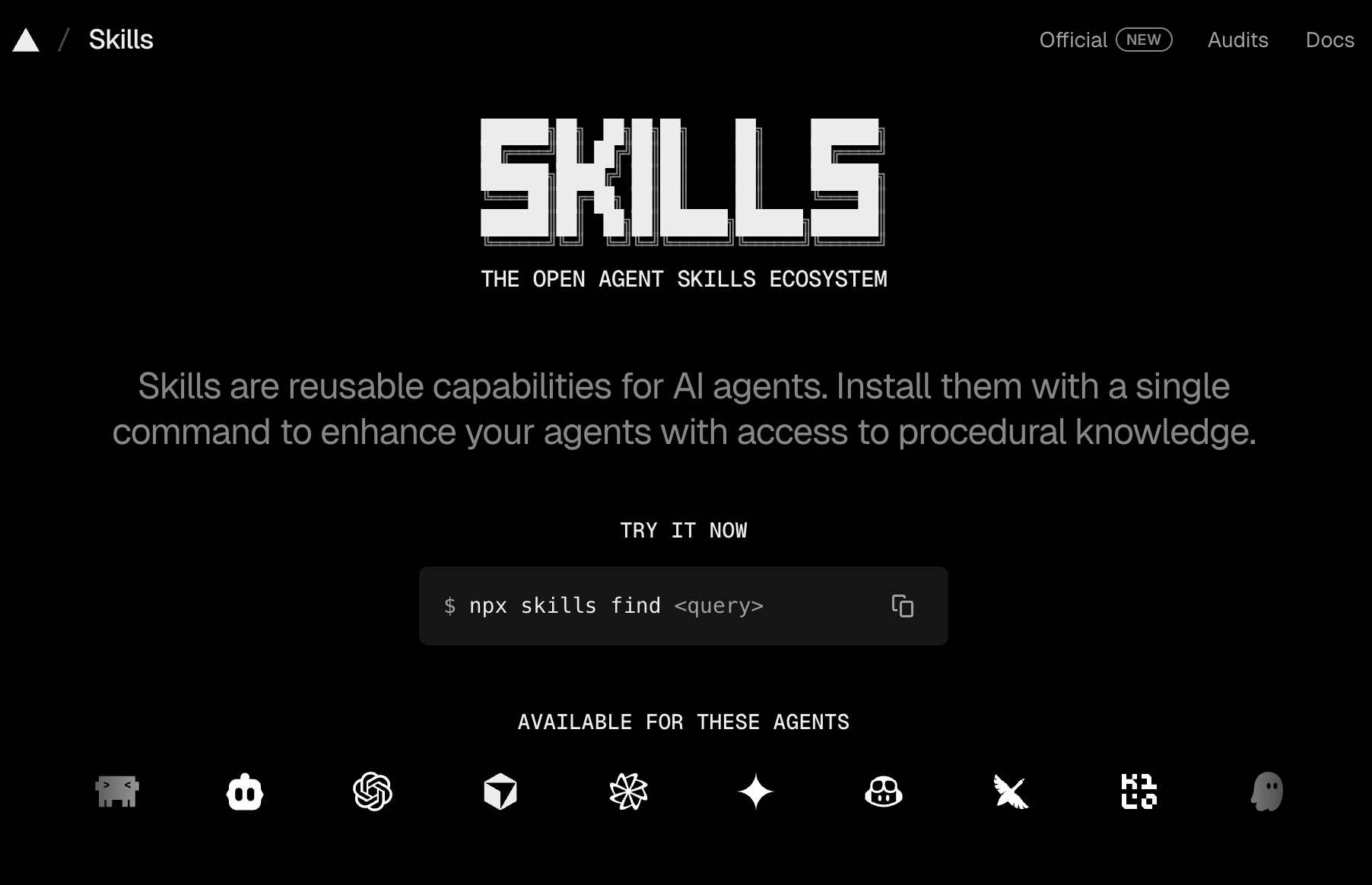
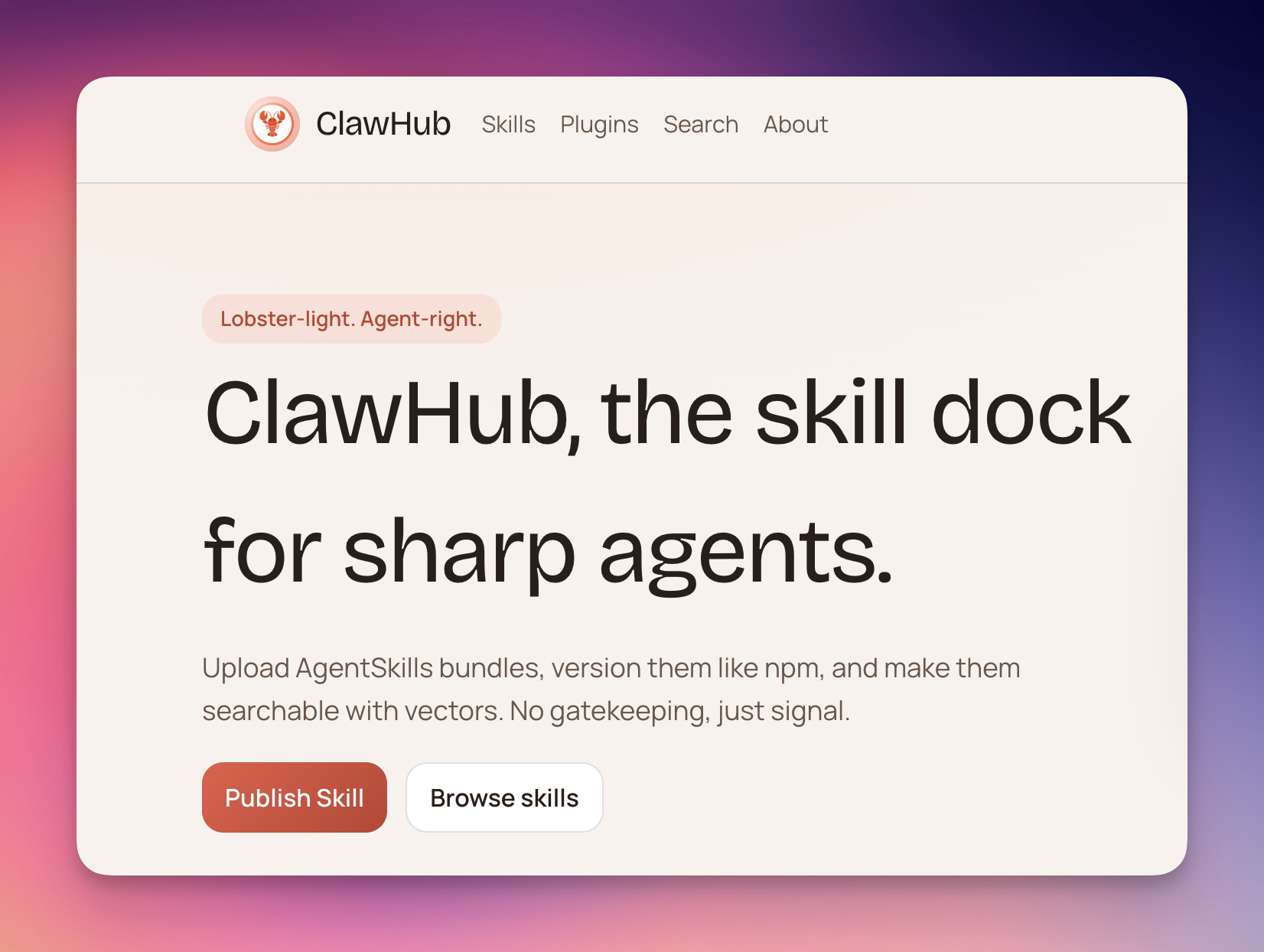
ClawHub
A community-driven Skills publishing platform with version management and semantic search:
Project-Level Skills: CLAUDE.md
Create a CLAUDE.md file in your project root. Claude Code automatically loads it on startup as project-level context and conventions:
# Project Conventions

## Tech Stack
- Next.js 16 + TypeScript
- Tailwind CSS v4
- pnpm as package manager

## Coding Conventions
- Use PascalCase for component names
- Prefer Server Components
- Maintain at least 80% test coverage
CLAUDE.md is the most common way to configure project-level Skills — no installation needed, just place it in the project root to take effect.
Learn More
- Anthropic Skills Official Repository — Anthropic’s official Skills collection
- Anthropic Skills Documentation
- Skills.sh — Open Skills Ecosystem
- ClawHub — Skills Publishing Platform
- Ofox Skills (GitHub) — Ofox’s own Skills for Seedance 2.5 video and image generation