Images API
Two endpoints: Generate (text → image) and Edit (image + text → image). Both responses follow the OpenAI standard shape data[0].b64_json.
Seedream and Qwen-Image do not support /v1/images/edits; for image-to-image they use the generations endpoint, but with different reference-image fields: Seedream uses image, Qwen uses input_images — don’t mix them up. When you need to control Gemini’s resolution (512 to 4K), use the Gemini native protocol. Parameter differences for each family are covered on its family page.
Quickstart
A minimal runnable request: generate one 1024×1024 image and save it as output.png.
https://api.ofox.io/v1https://api.ofox.io/v1/images/generationshttps://api.ofox.io/v1/images/editsopenai/gpt-image-2.5-flarePython
import base64
from openai import OpenAI

client = OpenAI(
    api_key="YOUR_OFOX_API_KEY",
    base_url="https://api.ofox.io/v1",
    timeout=600,  # the images API is synchronous and can be slow
)

resp = client.images.generate(
    model="openai/gpt-image-2.5-flare",
    prompt="A red apple on a white table",
    size="1024x1024",
    quality="low",
)

with open("output.png", "wb") as f:
f.write(base64.b64decode(resp.data[0].b64_json))The API is synchronous — set your client timeout to 600 seconds. High-quality, large-size and editing requests may take several minutes; see measured latency.
All families are called the same way — only model changes. Accepted values and family-specific parameters differ; see each parameter below.
Generate images
POST https://api.ofox.io/v1/images/generationsRequest parameters
Values and defaults below apply to the GPT Image family (gpt-image-2.5-flare, gpt-image-2.5-sunburst, gpt-image-2). Where other families differ, it says so. Measured details: GPT Image family.
Output size. Custom sizes must meet four rules, or you get 400 Invalid size.
▸ Details
The four rules:
- Width and height both divisible by 16
- Longest edge ≤ 3840
- Aspect ratio between 1:3 and 3:1
- Total pixels ≥ 655,360 (
768x768is rejected,1024x768is fine)
Omitted or auto, the model decides — we measured 1254×1254. Pass a size explicitly if you need a fixed one. Other families have different size rules; see their family pages. Details: GPT Image · size.
Quality tier; it directly drives the price. gpt-image-2 has no xhigh / max.
▸ Details
gpt-image-2has noxhigh/max— they return 400.- The DALL·E-era
standard/hdare not accepted — they return 400. - Omitting it is not the same as
medium: the model picks a tier (we measuredlow). Set it explicitly for stable quality and cost.
Most other families have no tiers; see their family pages. Details: GPT Image · quality.
Number of images; each is billed separately. Not supported by Gemini models — do not send it.
Output file format.
▶Advanced · 7output_compression · background · moderation · stream · partial_images · input_images · extra_body.provider.typeExpand
Compression level; jpeg / webp only.
Background. transparent needs a format with an alpha channel (png / webp).
Moderation strictness.
Stream the response. With partial_images you receive intermediate images during generation.
Number of intermediate images to stream; requires stream: true. Per OpenAI’s docs, each partial image adds 100 output tokens.
Array of reference images (URL or base64), Qwen family only, 1–3 images.
▸ Details
Other families accept it without an error but ignore it; Seedream’s reference-image field is image.
Selects a provider. Optional and usually unnecessary — the gateway routes automatically. Consider it when you have content moderation requirements; once a provider is selected, requests will not fall back to another provider if it is unavailable.
▸ Details
The header X-OfoxAI-Provider-Type is equivalent. See Advanced: pinning a provider.
Response
{
  "created": 1777385517,
  "data": [
    { "b64_json": "iVBORw0KGgoAAAANSUhEUgAA…", "index": 0 }
  ],
  "model": "openai/gpt-image-2.5-flare",
  "size": "1024x1024",
  "quality": "low",
  "usage": {
    "input_tokens": 13,
    "input_tokens_details": { "text_tokens": 13 },
    "output_tokens": 196,
    "output_tokens_details": { "image_tokens": 196 },
    "total_tokens": 209
  }
}The image as base64, without a data:image/png;base64, prefix.
▸ Details
Decode it and write the file; to display it in a browser, add the prefix yourself. There is no url field in the response.
Image index; distinguishes images when n > 1.
The actual output size. When size was omitted or auto, read the real size here.
The tier actually used. When quality was omitted, this tells you which tier was used.
The background and format actually used. Not always present — do not depend on them.
Billing usage. output_tokens is the output image tokens; input_tokens_details.text_tokens is the prompt tokens.
▸ Details
Compute the cost of a call from these numbers.
Edit images
POST https://api.ofox.io/v1/images/editsThis endpoint supports GPT Image, Nano Banana (Gemini) and MAI Image. Seedream and Qwen-Image return 400 endpoint_not_supported here; use the reference-image field on the generations endpoint instead — see Seedream and Qwen-Image.
Request parameters
Sent as multipart/form-data form fields, with an uploaded image file. Values and defaults again apply to the GPT Image family.
Model ID; same rules as generations. Supported models are listed in the table at the top of this page.
Reference image as a local file (@ prefix in cURL), not a URL.
▸ Details
For several, repeat the field as image[]. ≤ 15 MB each, ≤ 50 MB request body; the gateway sets no count limit, 16 or fewer recommended.
The edit instruction.
Inpainting mask: a PNG with an alpha channel, the same size as image; transparent area = what gets repainted.
▸ Details
Only effective on this endpoint — silently ignored on generations. How to build one and the measured effect: GPT Image · mask inpainting.
Output size; same rules as generations.
▸ Details
Omitted or auto, the model decides — not guaranteed to match the input. Pass it explicitly to keep the original size.
Quality tier; same rules as generations — gpt-image-2 has no xhigh / max.
Number of images; each is billed separately.
▶Advanced · 1X-OfoxAI-Provider-TypeExpand
Selects a provider. Optional and usually unnecessary — the gateway routes automatically. Consider it when you have content moderation requirements; once a provider is selected, requests will not fall back to another provider if it is unavailable.
▸ Details
This endpoint is a multipart upload, so to pin a provider only the header works — an extra_body form field is silently ignored. See Advanced: pinning a provider.
Response
Same shape as generations; usage adds input tokens for the reference images:
{
  "created": 1777385669,
  "data": [
    { "b64_json": "iVBORw0KGgoAAAANSUhEUgAA…", "index": 0 }
  ],
  "model": "openai/gpt-image-2",
  "size": "auto",
  "quality": "low",
  "usage": {
    "input_tokens": 1041,
    "input_tokens_details": { "image_tokens": 1024, "text_tokens": 17 },
    "num_input_images": 1,
    "output_tokens": 358,
    "total_tokens": 1399
  }
}Input tokens charged for the reference images. We measured 1,024 for one 1024×1024 reference image. This is the main reason an edit costs more than same-size text to image.
Number of reference images; use it to confirm the model actually read them.
Other fields are the same as the generations response.
See supported models and pricing in the Model Catalog .
Call
Python
import base64
from openai import OpenAI

client = OpenAI(api_key="YOUR_OFOX_API_KEY", base_url="https://api.ofox.io/v1", timeout=600)

with open("apple.png", "rb") as f:
    resp = client.images.edit(
        model="openai/gpt-image-2",
        image=f,
        prompt="Make the apple green, keep everything else the same",
        size="auto",
        quality="low",
    )

with open("apple_edited.png", "wb") as out:
out.write(base64.b64decode(resp.data[0].b64_json))The image field takes a local file path (with the @ prefix in cURL), not a URL.
Measured before / after:
| Original | Edited |
|---|---|
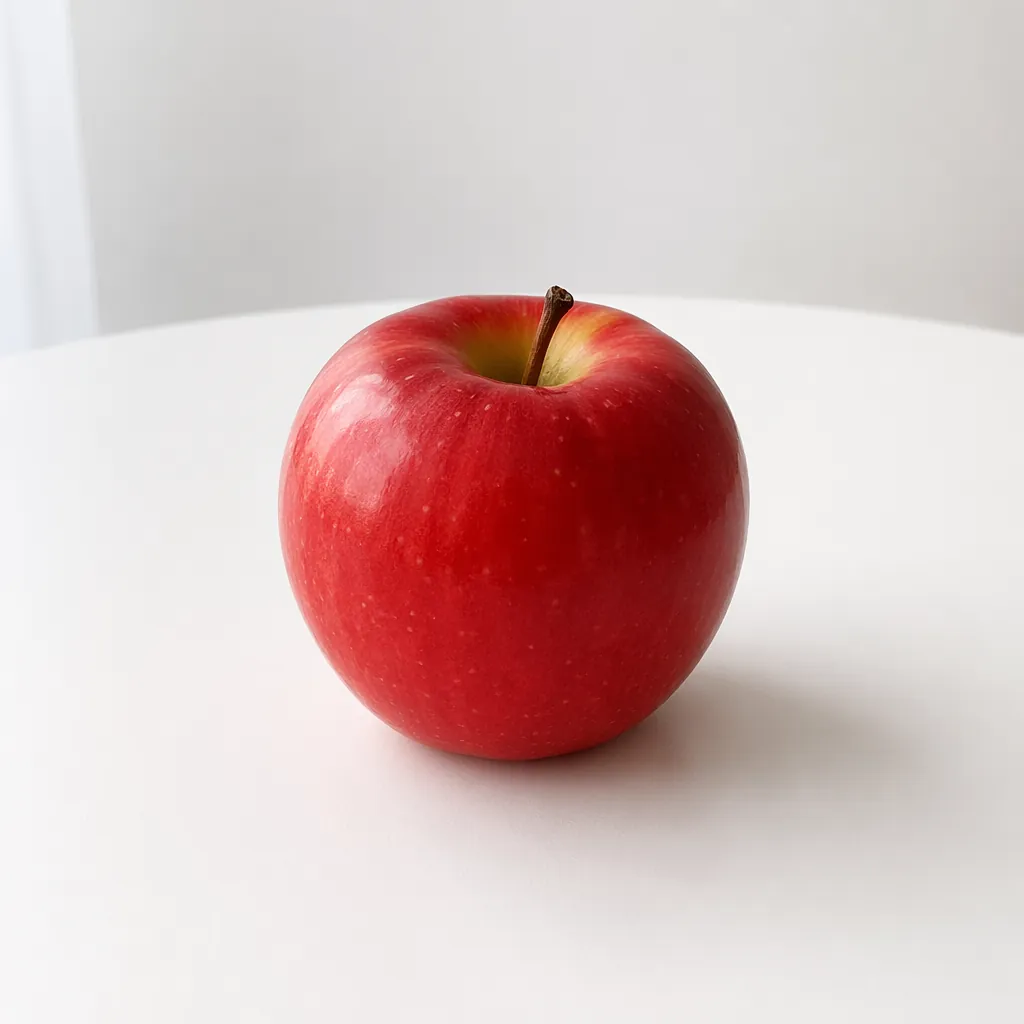 | 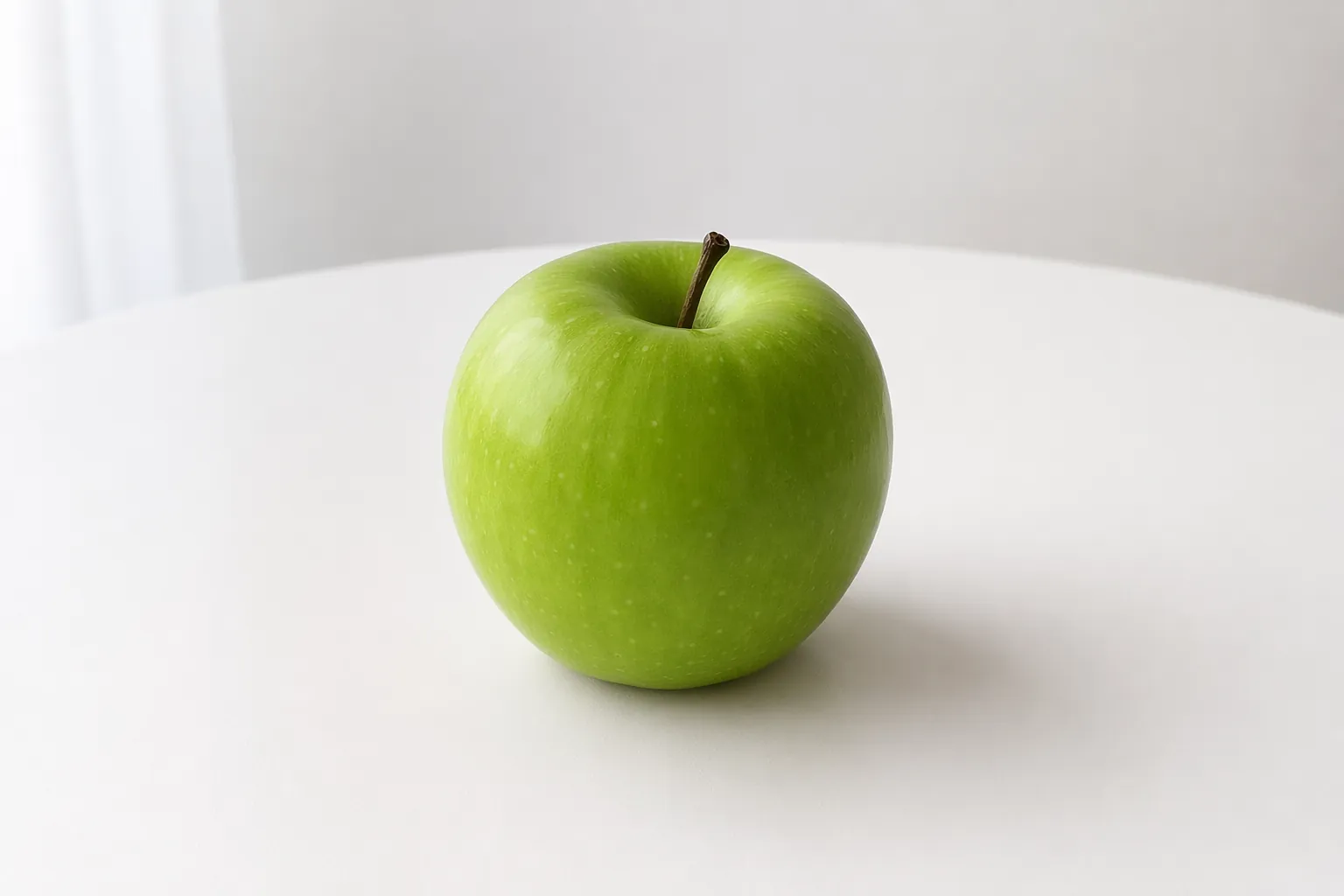 |
Errors
Errors come back with an HTTP error status and this body (measured):
{
  "error": {
    "code": null,
    "message": "The model 'gpt-image-2' does not support quality 'xhigh'.",
    "param": null,
    "request_id": "fbe4f24c-779d-41a0-8b3a-c62886cdd1ae",
    "type": "image_generation_user_error"
  }
}
code can be null. Branch on the HTTP status and message.
When contacting support, include the request_id and the error details (HTTP status and error.message) from the response. We recommend logging them.
Advanced: pinning a provider
Optional and usually unnecessary. All three GPT Image models (gpt-image-2.5-flare, gpt-image-2.5-sunburst, gpt-image-2) are served by both azure_foundry and openai, for generations and edits alike. Without a pin, the gateway routes automatically.
Select a provider when you have content moderation requirements. Requests then go only to that provider; if it is unavailable, they will not fall back to another provider automatically.
Naming a provider that does not serve the model returns 400 provider_type_unavailable.
The two providers of openai/gpt-image-2 do not moderate to the same standard. If a prompt keeps getting rejected, you can pin openai explicitly. Without a pin, requests are split by weight and may land on azure_foundry.
Text to image /v1/images/generations
JSON body, so either the body field extra_body.provider.type or the header X-OfoxAI-Provider-Type works.
Python
resp = client.images.generate(
    model="openai/gpt-image-2",
    prompt="A simple red apple on a white table",
    size="1024x1024",
    extra_body={"extra_body": {"provider": {"type": "openai"}}},
)With the official OpenAI SDKs, extra_body must be present as a literal key in the request body. The TypeScript SDK sends it as written in the params object. The Python SDK’s extra_body= argument merges its contents into the top level of the body, so nest it one level deeper, or use the header instead.
Image to image /v1/images/edits
A multipart upload has no JSON body to nest extra_body in, so only the header works.
curl https://api.ofox.io/v1/images/edits \
  -H "Authorization: Bearer $OFOX_API_KEY" \
  -H "X-OfoxAI-Provider-Type: openai" \
  -F "model=openai/gpt-image-2" \
  -F "prompt=..." \
  -F "image=@input.png"
With the SDKs: in Python pass extra_headers={"X-OfoxAI-Provider-Type": "openai"}; in TypeScript pass { headers: { 'X-OfoxAI-Provider-Type': 'openai' } } as the second argument.
On /v1/images/edits, extra_body sent as a form field is silently ignored: the image is generated as usual, but the constraint does not apply. Use X-OfoxAI-Provider-Type instead.
Full reference: API · Provider routing.
Official docs & further reading
The official docs describe calling OpenAI directly. Where they differ from OfoxAI’s measured behavior, the measured behavior on this site takes precedence.
OpenAI
- Image generation guide · Generate images
- Image generation guide · Edit images
- Image generation guide · Edit an image using a mask
- Image generation guide · Size and quality options
- Image generation guide · Calculating costs
- Images API reference
OfoxAI family pages
- GPT Image family overview: choosing a model, size, quality, latency, errors
- Text to image
- Image editing & multi-image
- Inpainting
- Nano Banana family (Gemini Image) and troubleshooting errors
- Seedream family
- Qwen-Image family
- MAI Image family