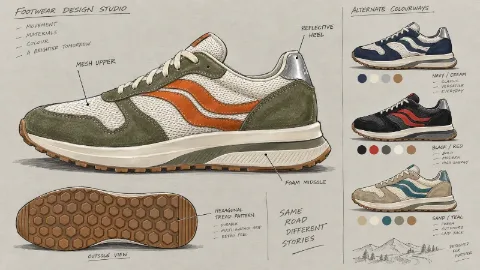
Sneaker design sheet
A side-view rendering with detail callouts and colorway thumbnails — a sneaker proposal straight off the studio wall.
Prompt
Draw a sneaker design sheet: a retro running shoe, upper in suede and mesh, colorway off-white, olive and burnt orange, a large side view plus a small outsole view, callouts on the upper, midsole and heel, and three colorway thumbnails beside it.
- Type
- Image
- Category
- Product
- Aspect ratio
- 16:9
- Resolution
- 800 × 450
- Reference photos
- Not needed
- Template
- Ofox Agent template
- Source
- Ofox
How to use
- 1
Tap “Make one like this”
Ofox Agent opens with this idea ready to go. Sign in first if you haven’t.
- 2
Make it yours
Edit the highlighted parts of the prompt to swap in your own details.
- 3
Send and create
Send it and Ofox Agent creates your version. Keep chatting to refine it.
FAQ
Do I need to upload a photo?
No. The prompt is filled in for you — send it as is, or change it to what you want first.
Can I edit the prompt?
Yes. The prompt goes into the Ofox Agent input box, and you can change the subject, style, text or anything else before sending.
What size is the image?
This image is 16:9 at 800 × 450. You can pick a different aspect ratio in Ofox Agent.
Can I copy and use the prompt directly?
Yes. Tap “Copy” on the prompt card to get the plain text — it works in other AI image tools too.
More like this
More Product prompts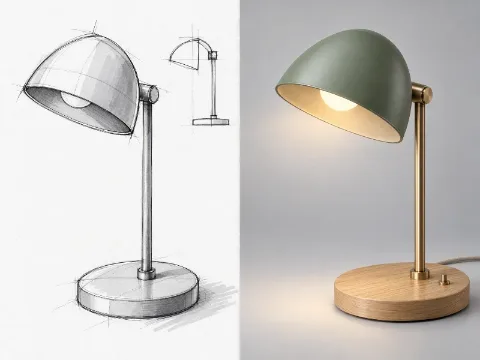 Sketch to renderImage · Product
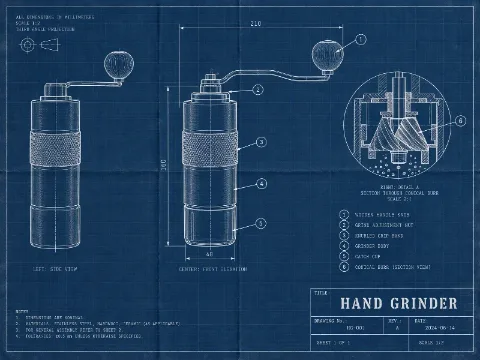 Blueprint drawingImage · Product
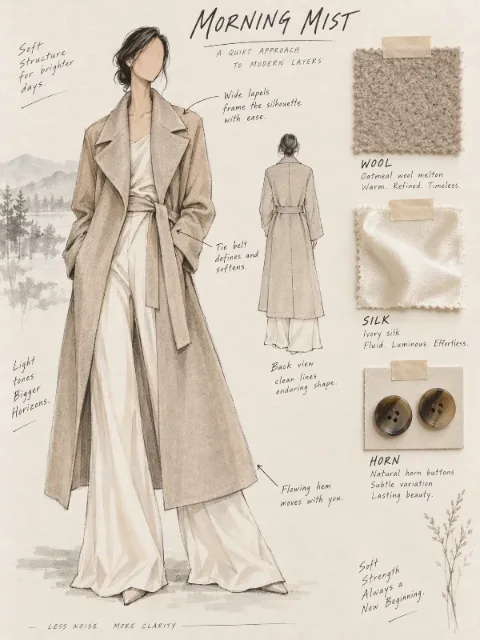 Fashion design sheetImage · Product
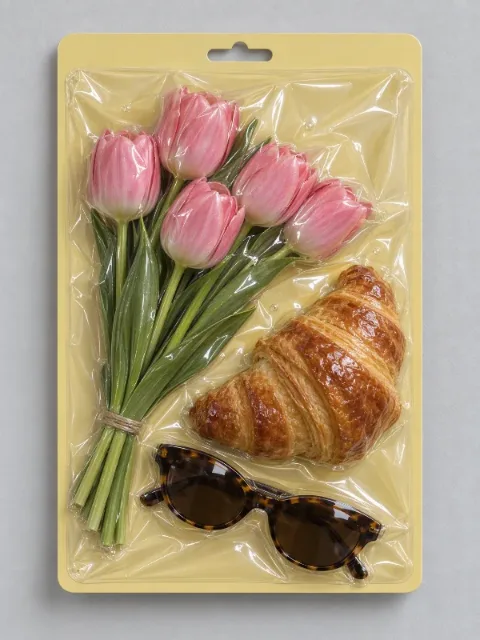 Vacuum-sealed objectImage · Product
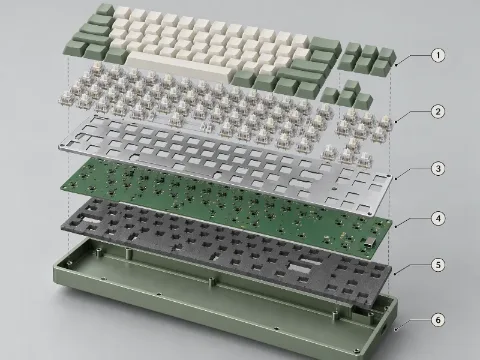 Exploded viewImage · Product
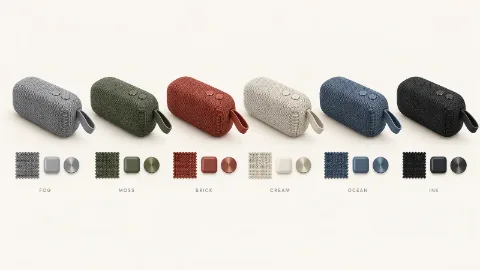 CMF colorway boardImage · Product
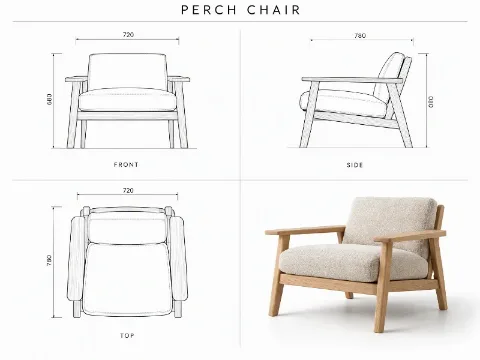 Furniture orthographic sheetImage · Product
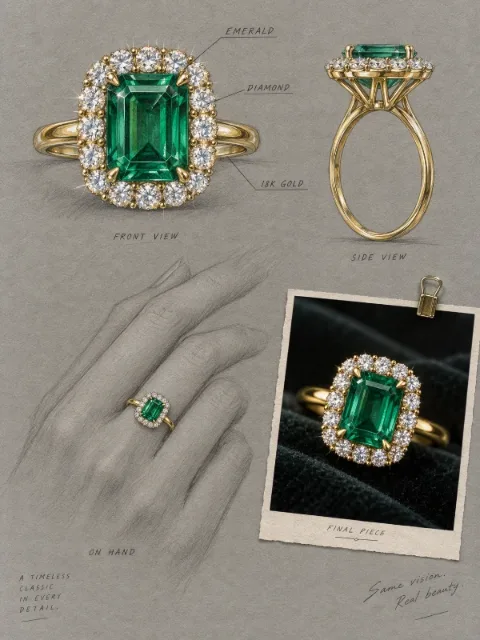 Jewelry design renderingImage · Product
 Product evolution lineupImage · Product
 Professional headshotImage · Portrait
Have an idea of your own? Start creating
Describe the image you want in one sentence, and Ofox Agent creates it from scratch.