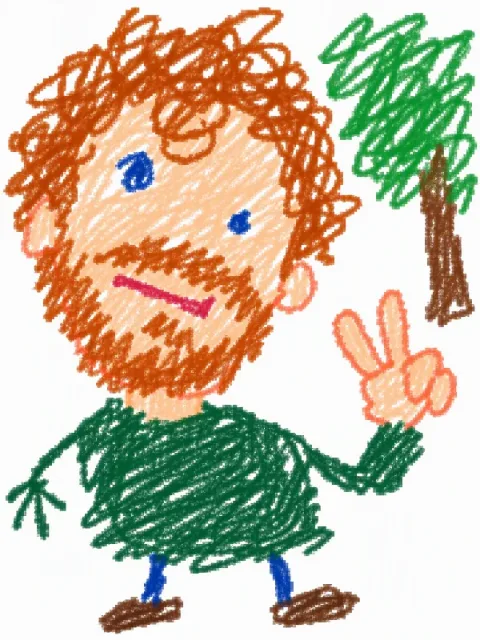
Terrible doodle
Redraws your photo like a kid's crayon scribble or a mouse-drawn paint-program masterpiece: wonky, baffled, and still unmistakably you. Upload a photo.
Prompt
Redraw this photo as a deliberately terrible doodle, as if a kid scribbled it in crayon or someone drew it with a mouse in an old paint program: white background, wobbly lines, big color blobs spilling over the edges, weird proportions, a baffled expression, low-res with grainy, jagged edges. Skip the details and keep only a vague, awkward likeness through the hair and outfit colors — the dumber, the funnier.
- Type
- Image
- Category
- Portrait
- Aspect ratio
- 3:4
- Resolution
- 600 × 800
- Reference photos
- 1 photo
- Template
- Ofox Agent template
- Source
- Ofox
How to use
- 1
Tap “Make one like this”
Ofox Agent opens with this idea ready to go. Sign in first if you haven’t.
- 2
Add your photos
Upload 1 photo of your own — Ofox Agent follows the same idea as this image.
- 3
Send and create
Send it and Ofox Agent creates your version. Keep chatting to refine it.
FAQ
Do I need to upload a photo?
Yes — upload 1 photo of your own. Ofox Agent keeps the idea of this image and puts you in it.
Can I edit the prompt?
Yes. The prompt goes into the Ofox Agent input box, and you can change the subject, style, text or anything else before sending.
What size is the image?
This image is 3:4 at 600 × 800. You can pick a different aspect ratio in Ofox Agent.
Can I copy and use the prompt directly?
Yes. Tap “Copy” on the prompt card to get the plain text — it works in other AI image tools too.
More like this
More Portrait prompts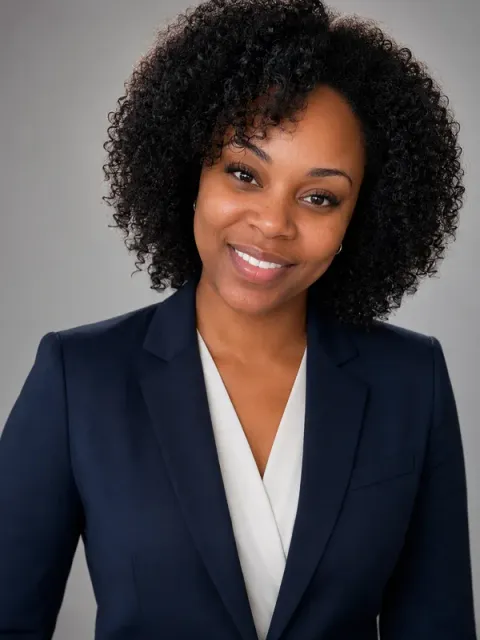 Professional headshotImage · Portrait
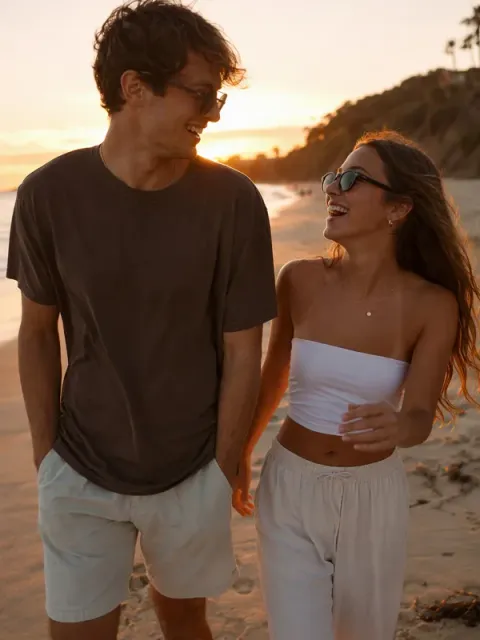 Two-person photoImage · Portrait
 Giant & tiny peopleImage · Portrait
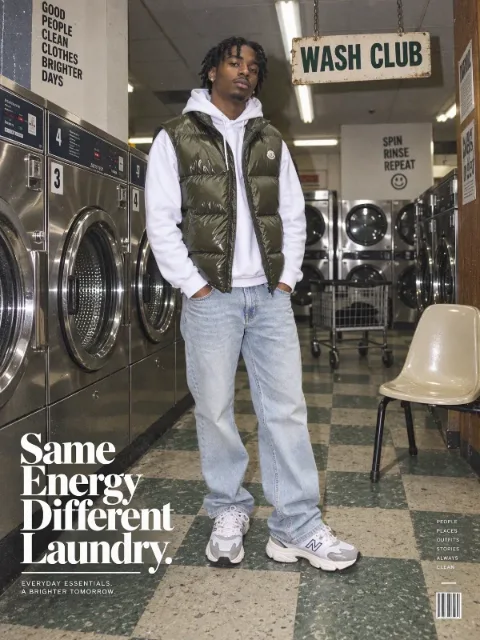 Street fashion editorialImage · Portrait
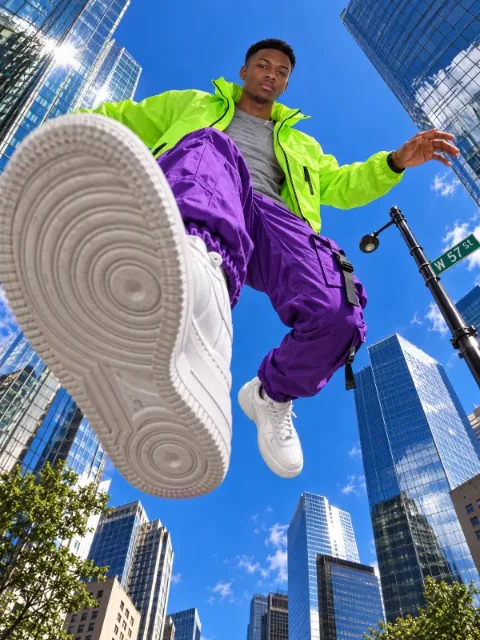 Low-angle street shotImage · Portrait
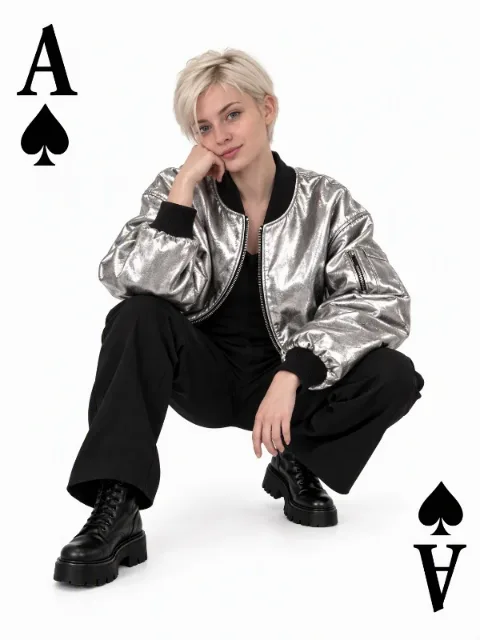 Playing card portraitImage · Portrait
 Fisheye portraitImage · Portrait
 Product hero shotImage · E-commerce
 Photo to illustrationImage · Art
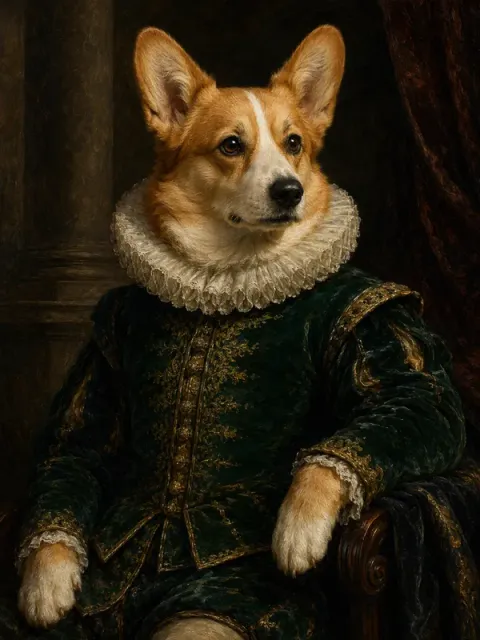 Pet portraitImage · Art
Have an idea of your own? Start creating
Describe the image you want in one sentence, and Ofox Agent creates it from scratch.