AI 會議記錄生成器
貼上或上傳你的筆記或逐字稿,得到清楚的會議記錄:依議題整理討論重點、列出決議,以及標明負責人和期限的待辦事項。
效果示例
Meeting minutes
Turn notes or a transcript into minutes: discussion by topic, decisions, and action items with owners and due dates.
- 來源
- Ofox
使用案例
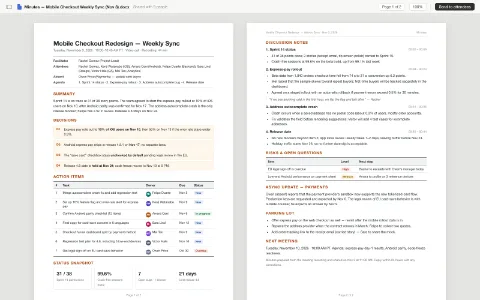
週會與專案會議
把錄音逐字稿整理成會議記錄,清楚標出決議和待辦事項,會後立刻分享,每個人都知道自己要做什麼。
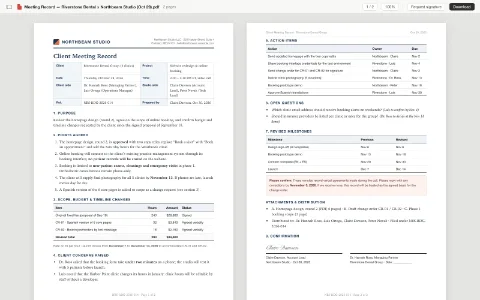
客戶會議紀錄
和客戶開完會後,把零散的筆記整理成正式會議記錄寄給對方確認,讓口頭約定有書面紀錄。
如何使用
- 01
填好空位
把醒目標示的部分換成你自己的內容,不填就照範例。
- 02
開始生成
按生成按鈕,接著在 Ofox Chat 裡繼續。
- 03
繼續修改
不滿意就說要改哪裡,Ofox Chat 會接著改。
常見問題
「AI 會議記錄生成器」能做什麼?
貼上或上傳你的筆記或逐字稿,得到清楚的會議記錄:依議題整理討論重點、列出決議,以及標明負責人和期限的待辦事項。
需要準備什麼?
一個主題就夠了。有現成資料可以一起上傳,結果會更貼合。
生成後還能修改嗎?
可以。成品出來後在對話裡說要改哪裡,Ofox Chat 會接著改。